Separate books. One dashboard.
Manage several companies from a single login. Each entity keeps its own documents, expenses, bank feeds and reports, with access controlled per user.
What you get
Clear separation
Documents and transactions belong to one company and never mix.
Same automation everywhere
The capture-to-report pipeline runs identically for every entity.
Controlled access
Decide who can see and work on each company's books.
One login, separate books.
Run several entities from one place while each keeps its own documents, expenses and reports.
Every company and user, in one view.
See each company, the users under it and how many documents have been processed, then search by company, user, request or transaction.
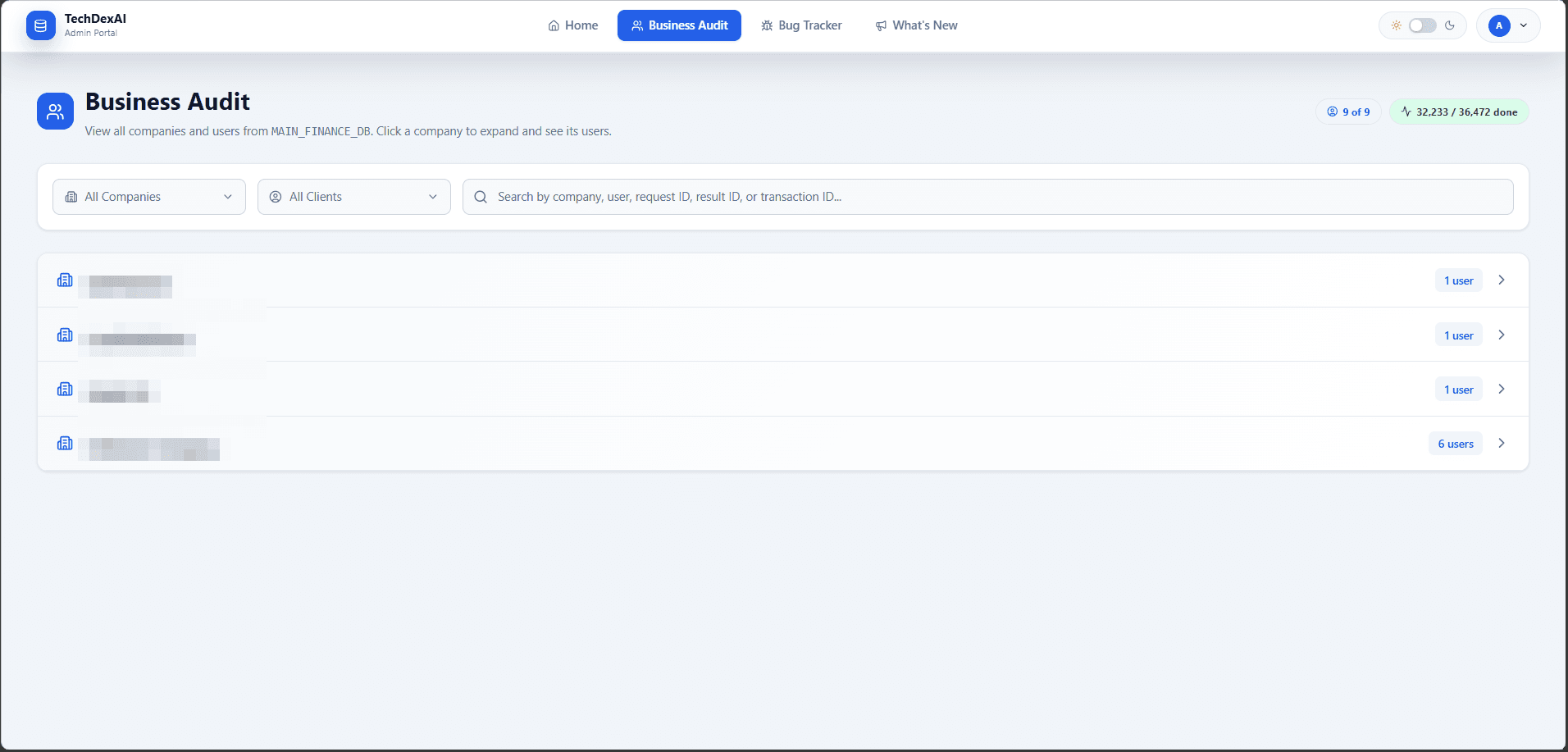
Screenshot of the DexAI web app.
How it works
- 01
Add companies
Create an entity for each business you manage.
- 02
Route documents
Documents are assigned to the right company on arrival.
- 03
Switch and review
Move between companies from one dashboard.
Ready to automate your finances?
Spend less time processing documents and more time running your business.