DexAI and Sage.
Export organised financial records from DexAI into Sage so your ledgers reflect every processed document.

 Sage
- Organised expense records
- Supplier invoice details
- VAT amounts captured on each record
DexAI and Sage, in 10 seconds.
DexAI with Sage · 10 sec
Payroll agents working inside Sage.
The New Starter and Timesheet agents each show their steps from intake to output, how many runs they have done and how many need review, with payroll totals per client.
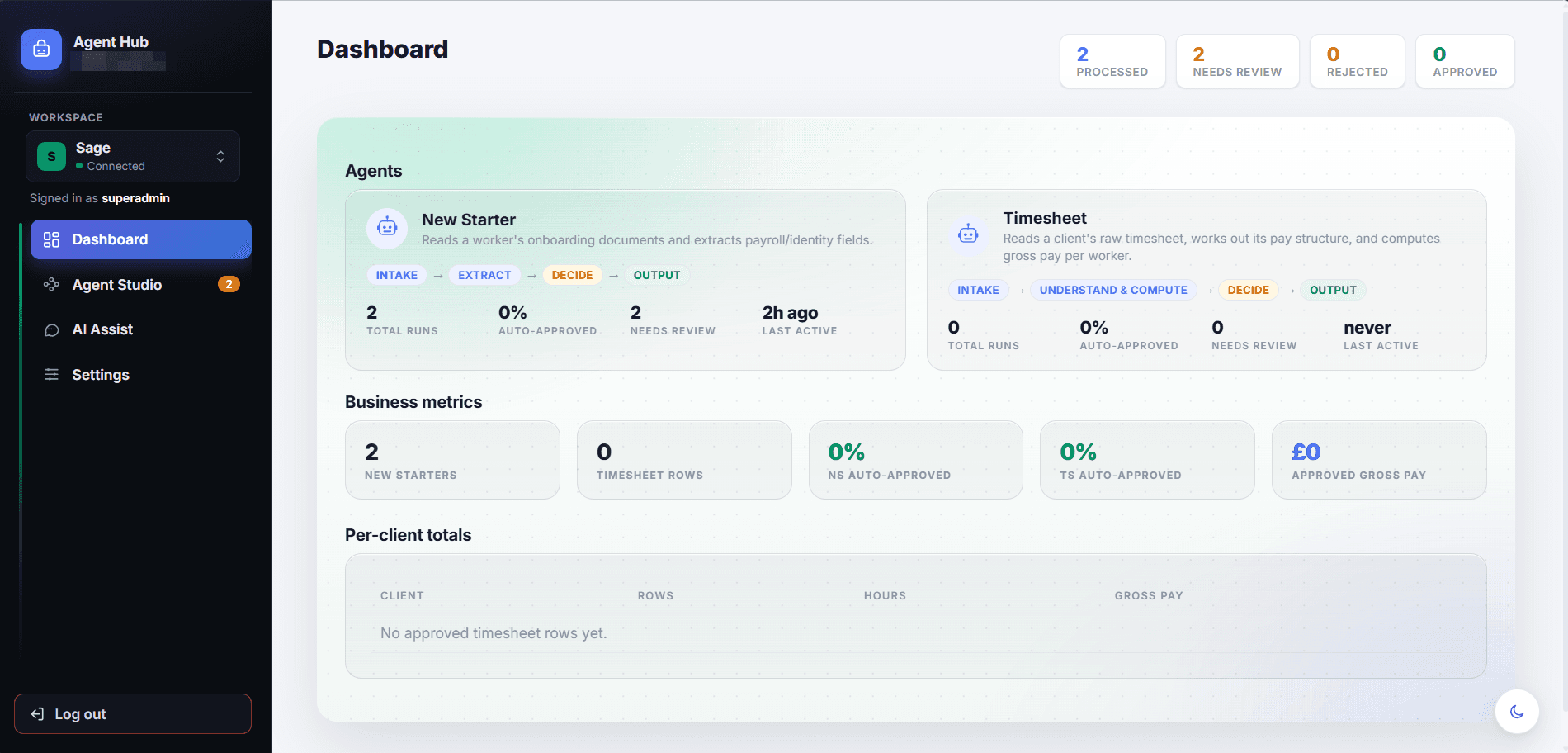
Screenshot of the DexAI web app.
How DexAI works with Sage
- 01
Connect
Authorise the connection from DexAI's integration settings.
- 02
Process in DexAI
Documents are extracted, categorised and matched as usual.
- 03
Sync
Clean records flow into your accounting software.
Agents that work with Sage
Client Onboarding Agent
Sets up a new client end to end: details, documents, services and systems.
Bookkeeping Agent
Categorises and posts transactions, and queues the unusual ones for review.
VAT Agent
Prepares each VAT return from your records and flags discrepancies before you submit.
Practice Management Agent
Tracks tasks and deadlines across clients and handles routine client communications.
AutoBank Reconciliation Agent
Matches bank transactions to receipts and invoices as they arrive.
Payroll Agent
Prepares each pay run from hours, salaries and deductions for approval.




Ready to automate your finances?
Spend less time processing documents and more time running your business.